Organise your day
with Molleva.
See how to save what comes to mind, choose your essentials and work through a task, using screens from the app.
Screenshots show the French-language interface.
Know where to find that thought again.
Write what you don’t want to forget in Clear my head. An idea, a document to find or something to do can go here before you decide when to deal with it.
Writing notes is included in the free plan.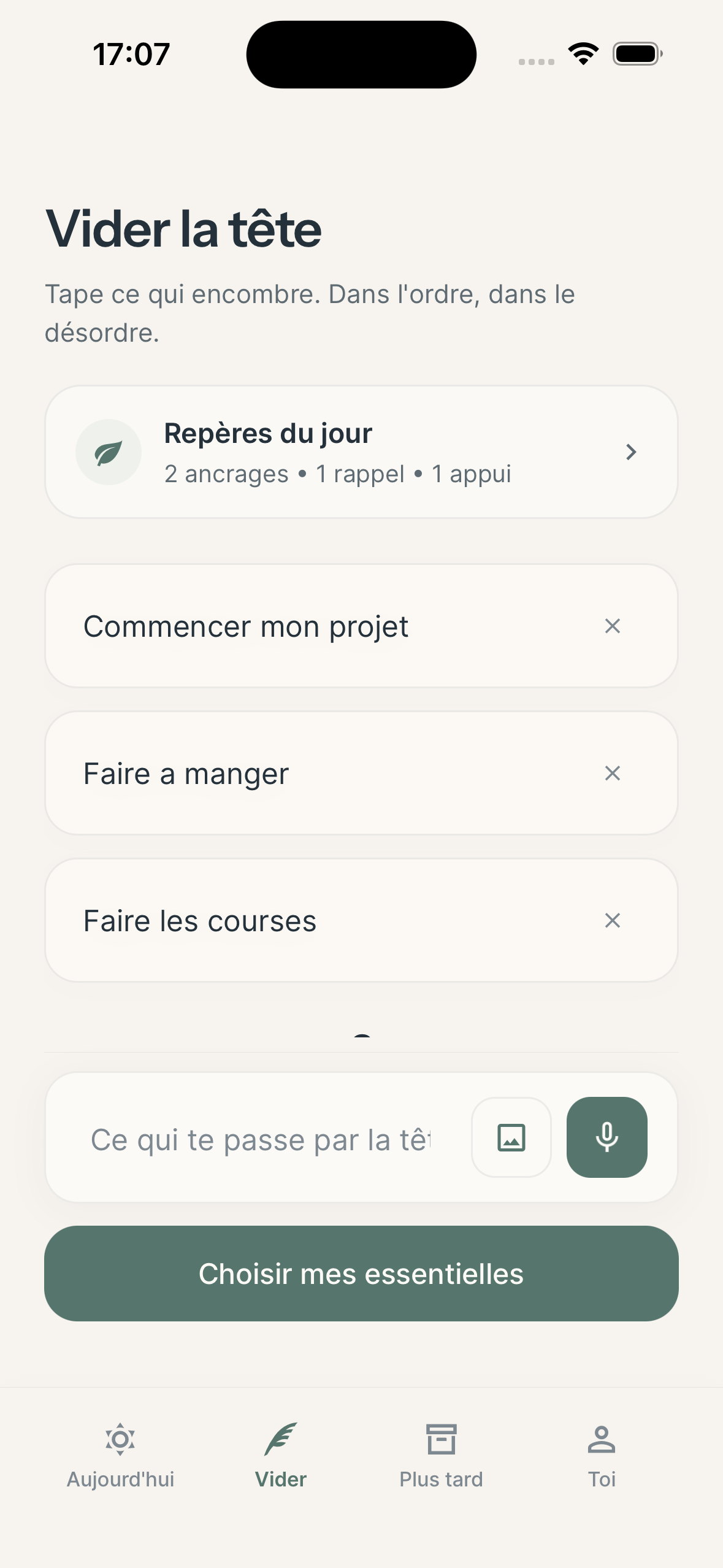
Today: up to three essentials.
See the things you’ve chosen to do today first. Keep up to three essentials; other notes stay in Later, ready for another time.
Low energy mode can also simplify how your day is displayed.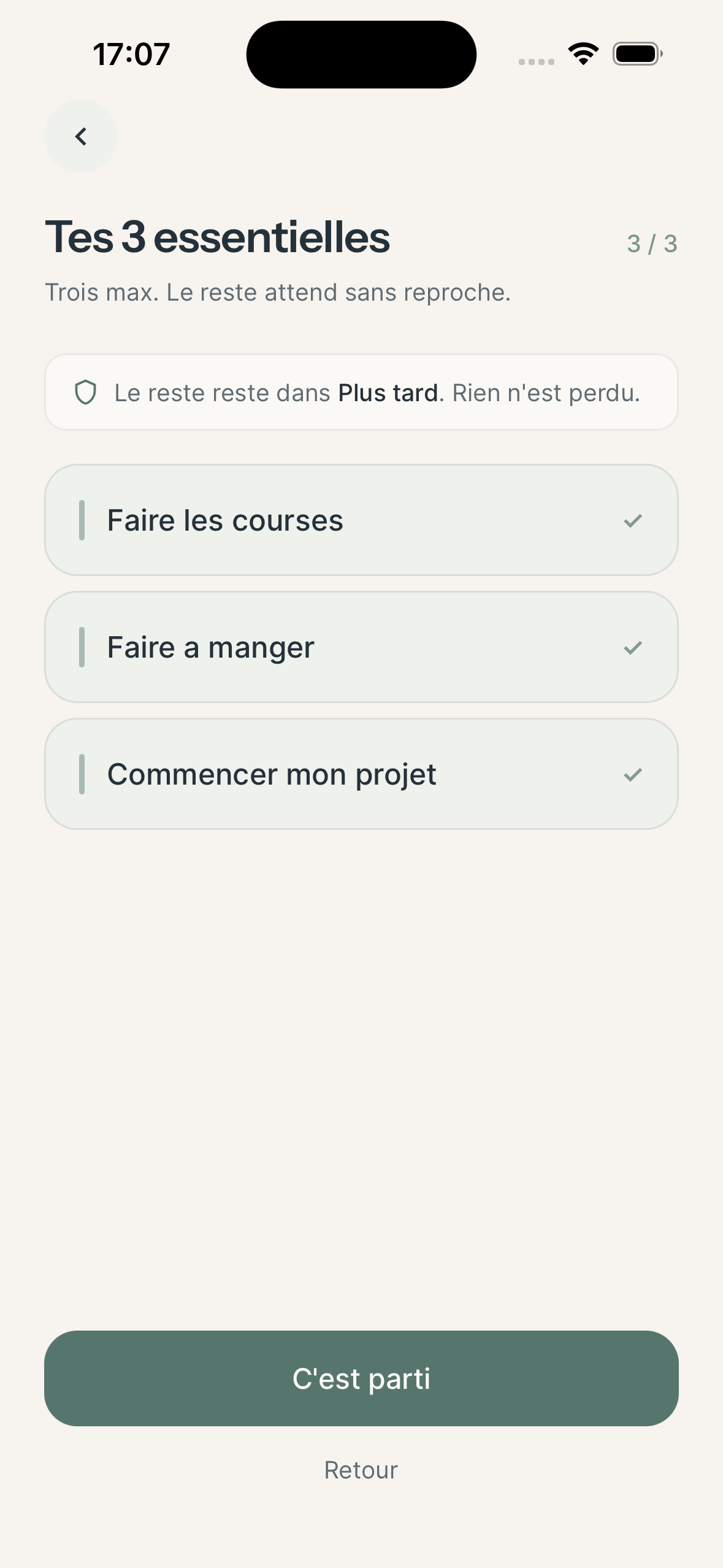
Small steps to get a task started.
Looking for a job brings together your CV, vacancies and applications. Task breakdown can suggest a starting point, such as finding your latest CV. Edit the small steps or leave out anything that doesn’t fit your situation.
Basic task breakdown is free. Premium adds alternatives and takes your energy into account.Compare the plansLook for a job
- Find my latest CV
- Add my most recent experience
- Save one job listing to look at
Move it to another day without rearranging everything.
If something else takes priority, move the essential to a day that suits you or put it back in Later. You don’t need to write it again.
Rescheduling an essential is free.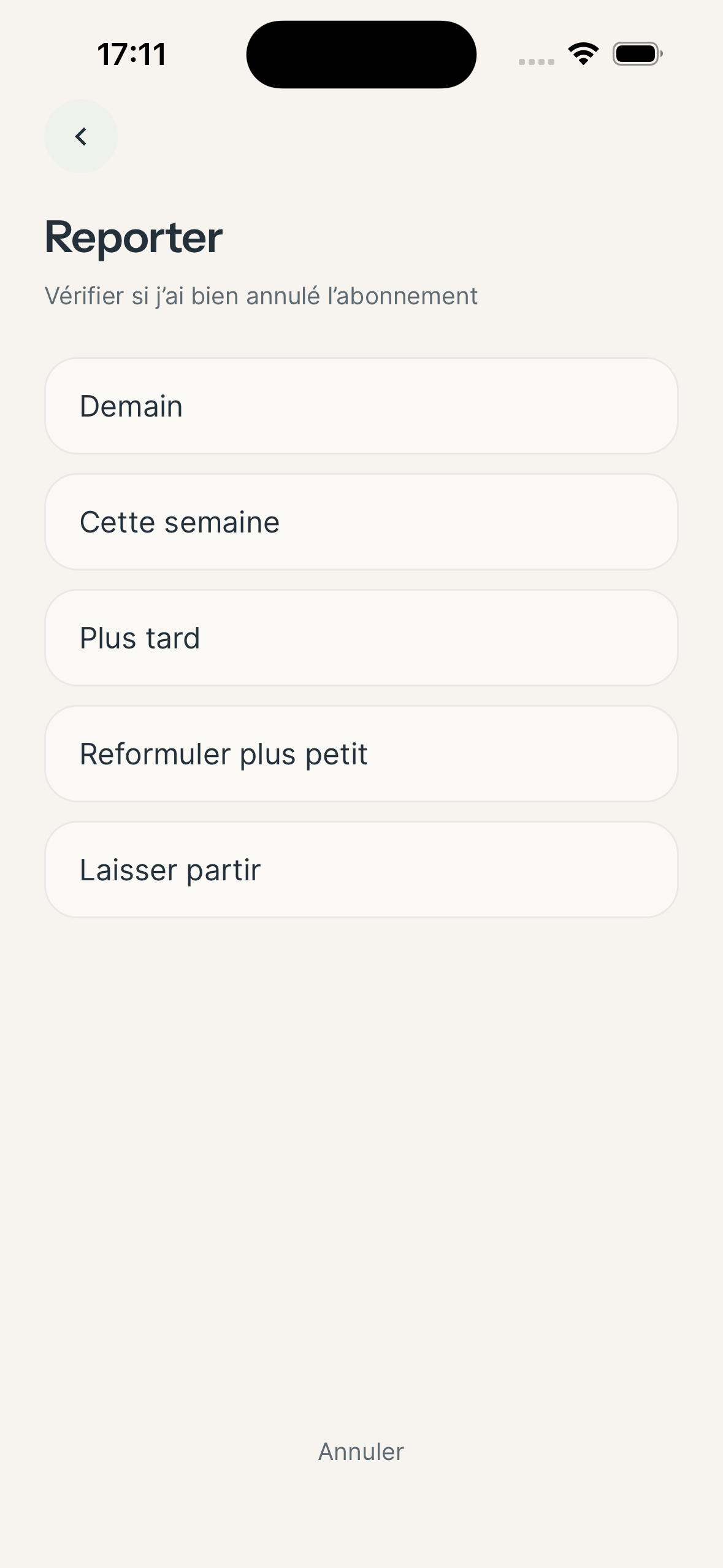
Look back at what you’ve done.
A small win might be a finished task, but it can also be something you got under way, help you asked for or something you learnt. Write it down so you can read it again later.
Small wins are free. The free plan keeps the last 14 days of history.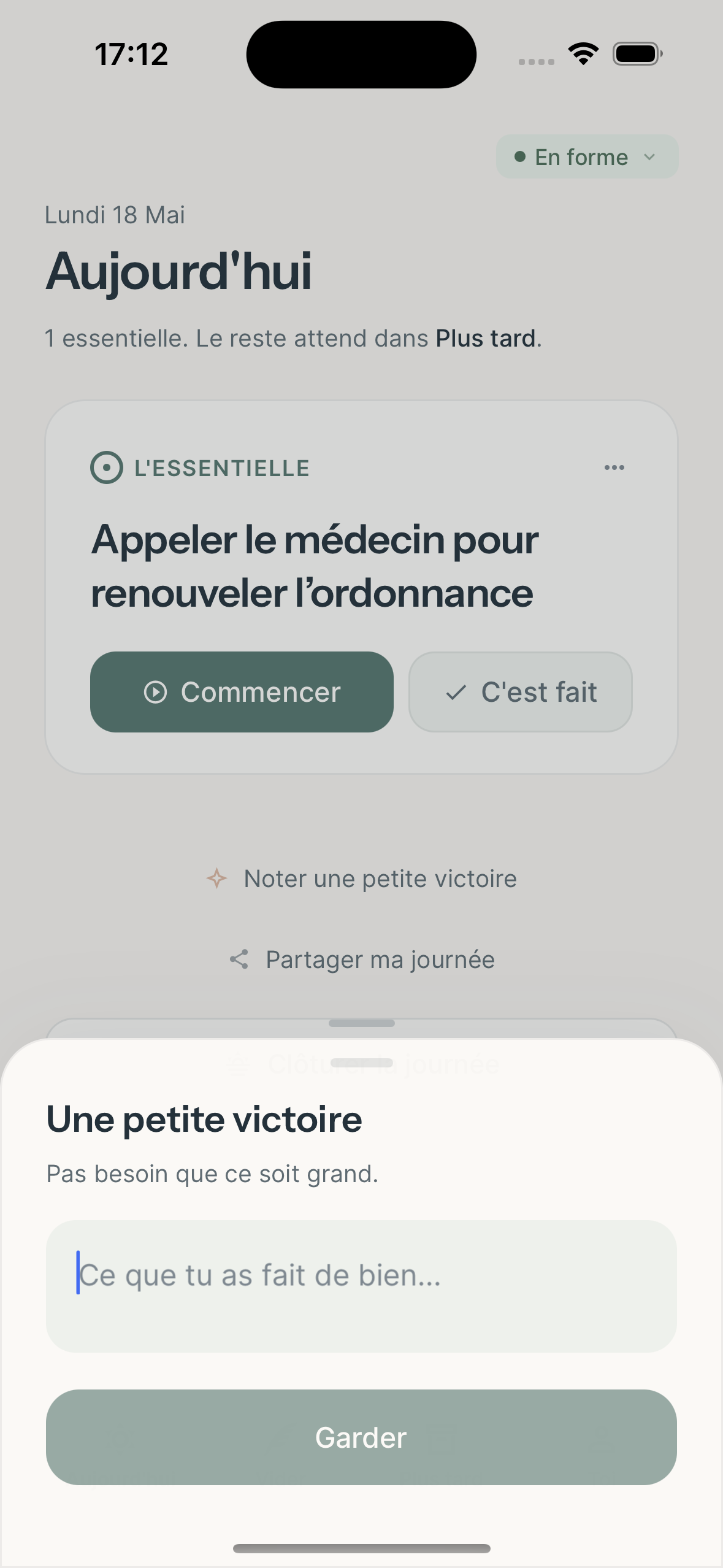
For days when you have less energy.
Use the check-in to say how you feel today. Low energy mode simplifies the day’s display; your notes and essentials remain available.
If you’d rather see one action at a time, Premium also has a view focused on a single essential.
The choices behind Molleva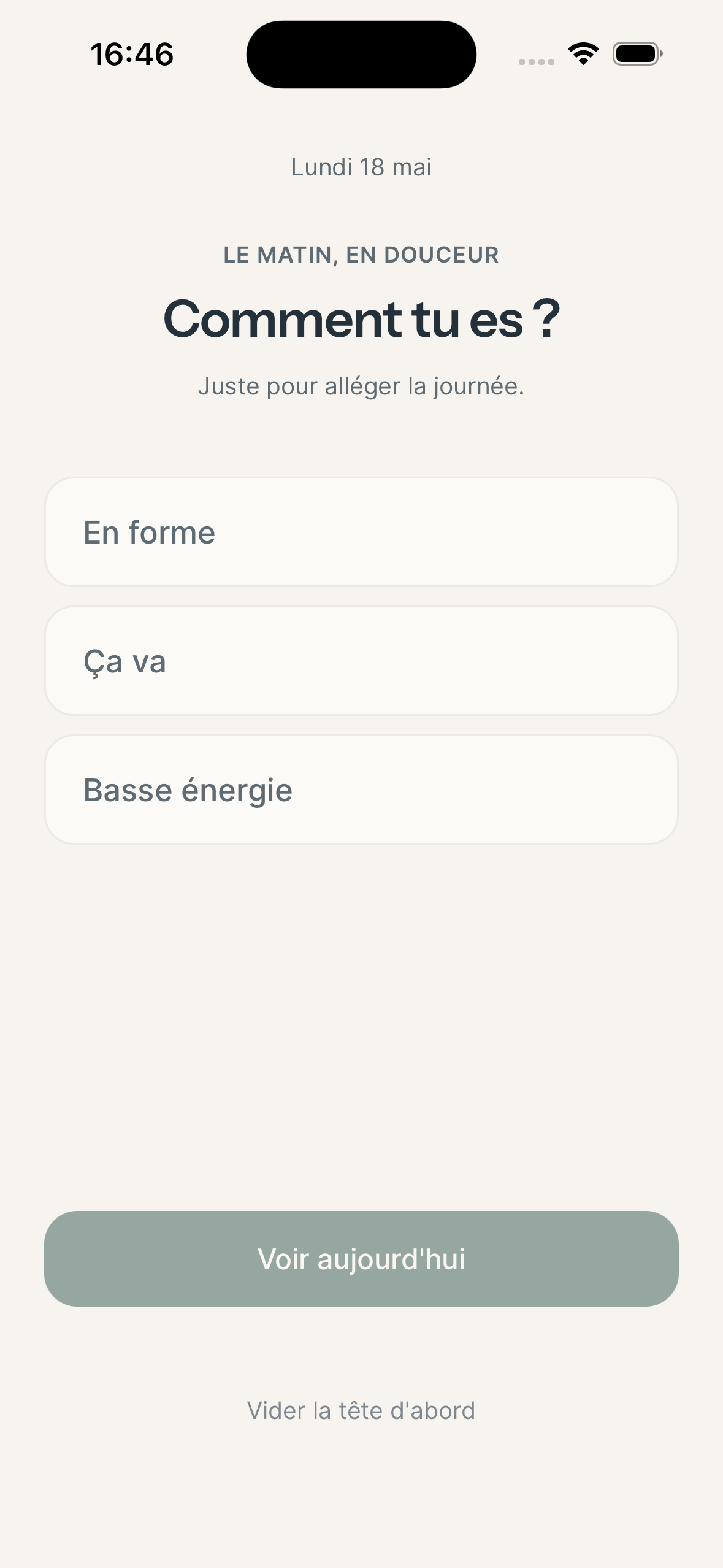
Other ways to save
and find your notes.
Use your voice or a photo.
Dictate a thought or take the text from a letter using a photo. Read through the result before keeping the notes.
Voice and photo capture are available to try for free. Premium adds enhanced voice capture and extended pasted-text import.Anchors for the things that come round again.
Choose anchors from the catalogue and set reminders. With Premium, you can also add your own anchors.
The catalogue and reminders are free. Custom anchors are included in Premium.Look back over your days.
Find the small wins you’ve written down. To look further back, Premium adds search across past notes, full history and the full monthly recap to read or export.
The last 14 days of history are free. Full history is included in Premium.Do I need to create an account?
You can try Molleva without an email address using a 14-day guest session. Create a free account before the 14 days end to keep your notes and access your data on several devices.
Does Molleva work without the internet?
You need a connection to save and access your notes, which are stored on Molleva’s servers. Text you’re still typing isn’t saved until you confirm it.
Where does AI come in?
It steps in when you request help, such as breaking down or rewording a task. Suggestions can be imperfect: you choose what to keep. More about AI and your data.